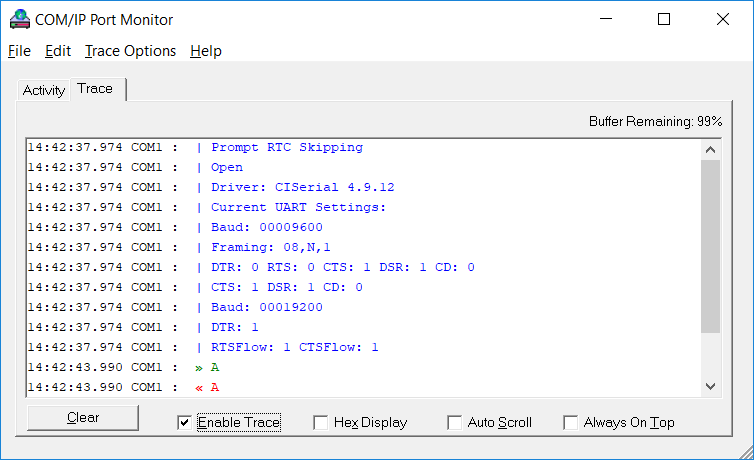
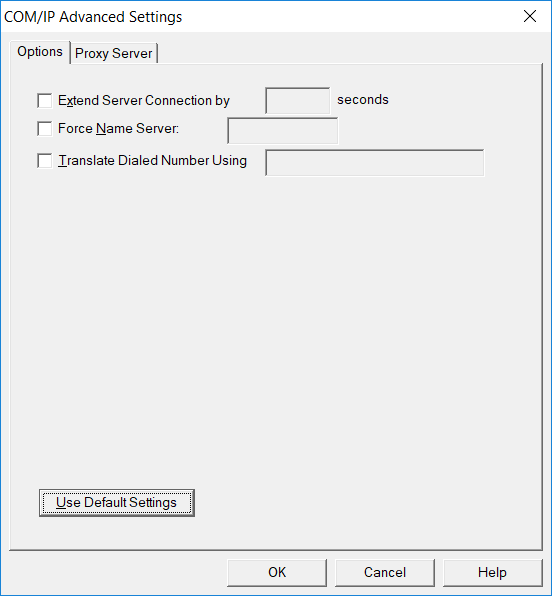
Using the COM/IP Redirector
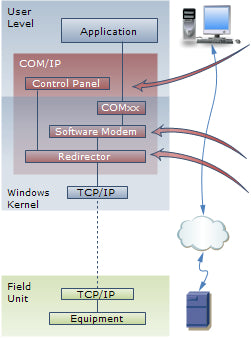
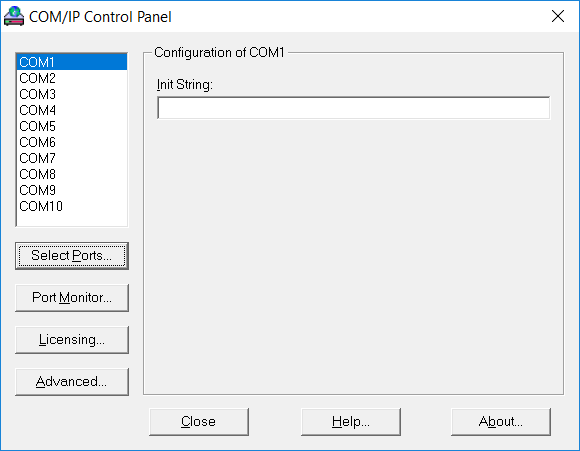
In the COM/IP Control Panel:
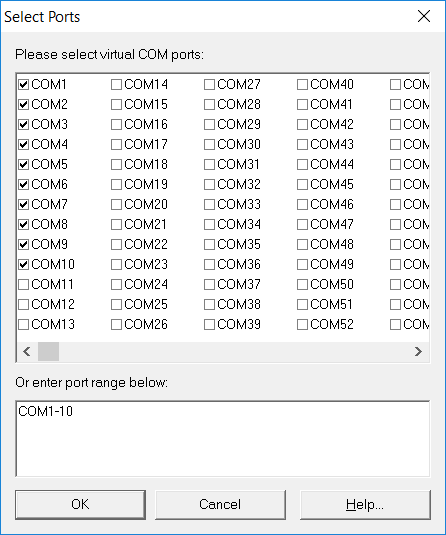
- Choose the COM port numbers for virtual COM ports
- Optionally, install Windows modem devices on virtual COM ports
In the Windows application:
- Open any available virtual COM port
- Use the modem AT commands to configure and "dial" an IP endpoint
- Example: ATDT011012123001[33333] connects to 11.12.123.1 TCP port number 33333
- Read/write serial data, as if a modem had made the connection
- Close the virtual COM port to terminate connection
For more, see the COM/IP Quick Start Guide.
Is the 30-day trial software a full version of COM/IP?
Yes, for up to 256 active ports. Download and run the COM/IP installer, leaving the license key blank to begin the trial period.
Can COM/IP call a real modem?
No. As a modem emulator, COM/IP uses TCP/IP network connections. It does not use phone lines in any way.
Can I create more virtual serial ports than I use at one time?
Yes, you can create and configure up to 4,096 virtual ports. Your COM/IP license key controls only the number of simultaneously active (open) ports.
How can I tell if I should be using the Serial/IP Redirector instead?
If your application does not use modem commands, use the Serial/IP Redirector, which connects to preconfigured TCP/IP endpoints.